

macOS · iPhone / iPad
FrameSense帧知
Video Keyframe Extraction, On-Device OCR & Note Export
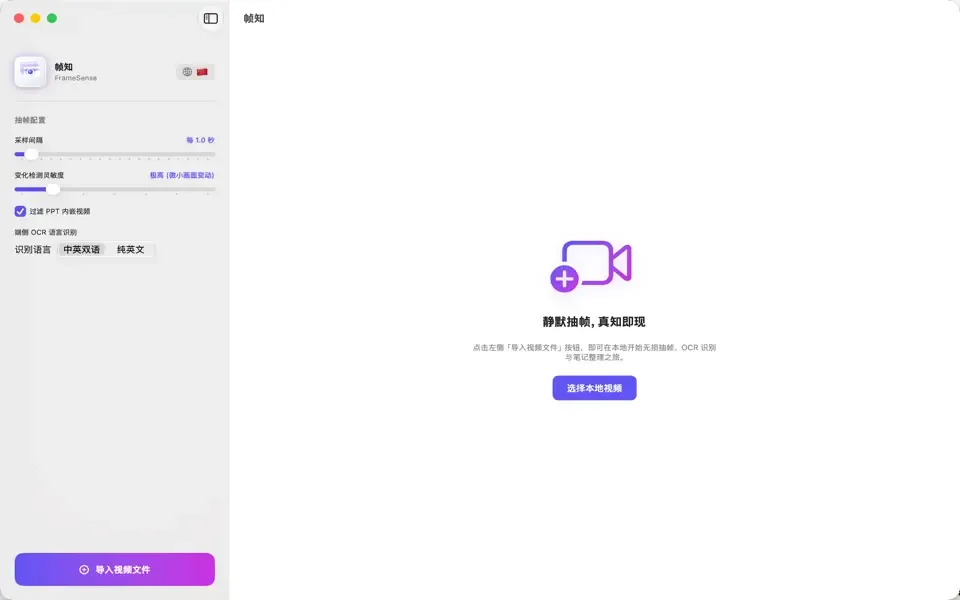
FrameSense captures key slides from lectures, online courses, and recorded meetings into knowledge cards: detects screen transitions, filters duplicates, runs local on-device OCR, and exports to Markdown, PDF, Word, or HTML.
Features
Features
- 01
Smart Keyframe Extraction
- Import video files or select screen recordings from Photos
- Apple Vision image features detect scene changes, capturing each slide as it turns
- Filters redundant frames and animations with adjustable threshold
- Optionally mask instructor picture-in-picture overlays
- 02
On-Device OCR & Notes
- Apple Vision text recognition with Chinese and English support
- One-tap text copying and custom note annotations per card
- 03
Multi-Format Export
- Markdown: single file with embedded images, ZIP bundle, or plain text
- PDF: A4 document and 16:9 slide layouts
- Word document, self-contained HTML page, and TXT
Platforms
Supported Platforms
- macOS
- Keyframe extraction, OCR, note-taking, and export
- iPhone / iPad
- Keyframe extraction, OCR, note-taking, and export
Privacy
Privacy
- Video decoding, deduplication, and OCR run entirely locally on-device without cloud upload
- No accounts required; never collects your videos, screenshots, or extracted text
Questions & Feedback
Have questions, feature suggestions, or business inquiries? Feel free to reach out.